Find the Anomaly Wiki
Claim your daily ticket
Join the game and open Daily Rewards in the lobby. Find the tile marked Today and use the gold Claim button when your ticket is ready. The panel says missing a day restarts the streak.
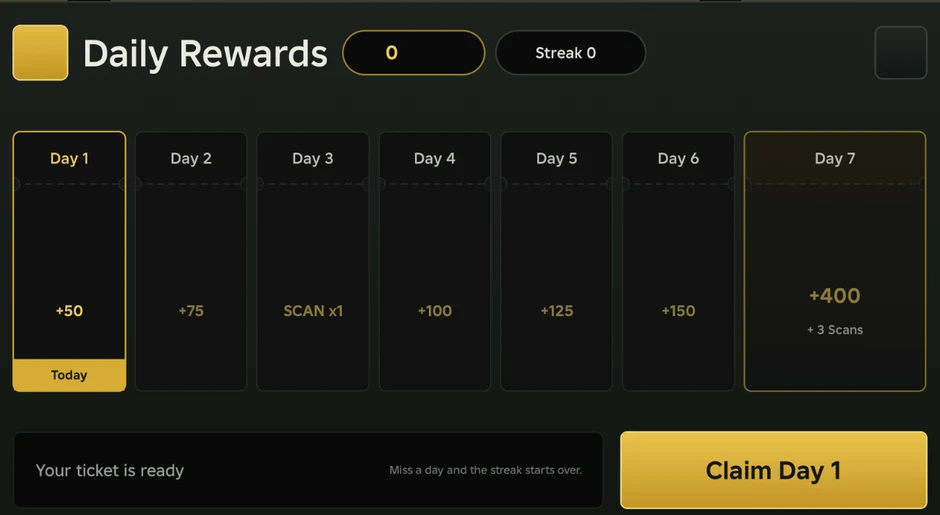
| Day | Reward |
|---|---|
| 1 | 50 Coins |
| 2 | 75 Coins |
| 3 | 1 Scan |
| 4 | 100 Coins |
| 5 | 125 Coins |
| 6 | 150 Coins |
| 7 | 400 Coins + 3 Scans |
Find the free group aura
The official Roblox page for Rick X Coda’s game offers a free exclusive aura for joining the group. Start from that page’s creator link, then check the Free Rewards chest in the lobby for your claim steps.
Find the Anomaly Guide describes the group aura. Bloxron’s lobby guide reports a chest that also asks for a like and a favorite and lists extra bonuses. The official listing confirms the aura. Check your current chest panel for any additional rewards or conditions.
Daily quests and titles
Claiming today’s ticket advances the seven-day streak shown above. A daily quest gives you a task to finish during play. Rick X Coda also lists titles to earn and leaderboards to climb on the game’s Roblox page. Claim the ticket from Daily Rewards and check each quest’s objective separately.
Claim the separate code bonus
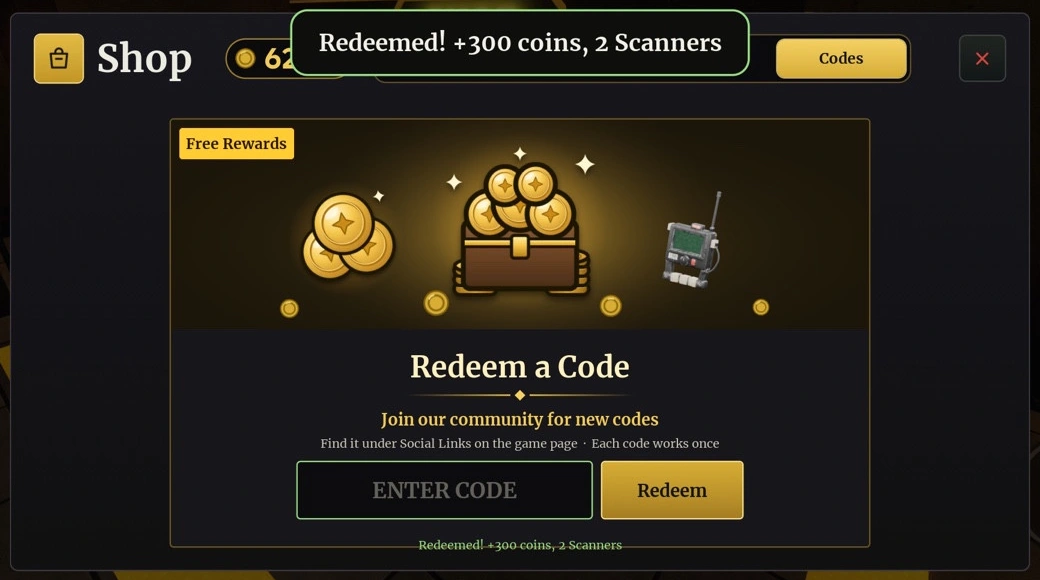
A code goes into Shop → Codes. You can collect the daily ticket without entering one. Visit the Codes homepage for the tested bonus and redemption steps. The Starter Pack is a separate paid offer.